
Convert an image to an editable draw.io diagram
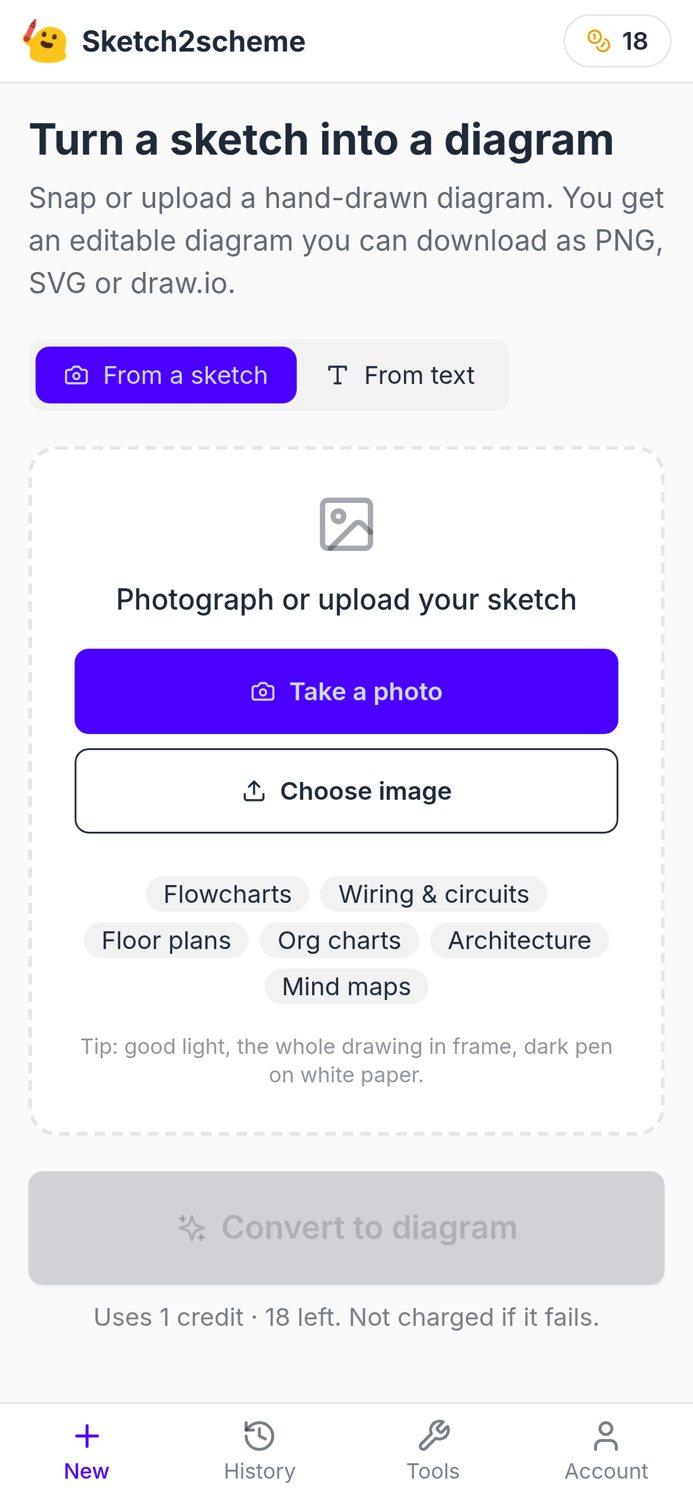
A picture pasted into draw.io stays a picture. Sketch2scheme reads the image instead: every box, arrow, symbol and label becomes a draw.io shape in the same place, so you can edit it and download a .drawio file. It works with phone photos of paper and whiteboards, screenshots and image files.
$6.99 for 10 diagrams · 10–60 seconds each · PNG, SVG and .drawio · Failed conversions don't use credits
Images converted to draw.io diagrams
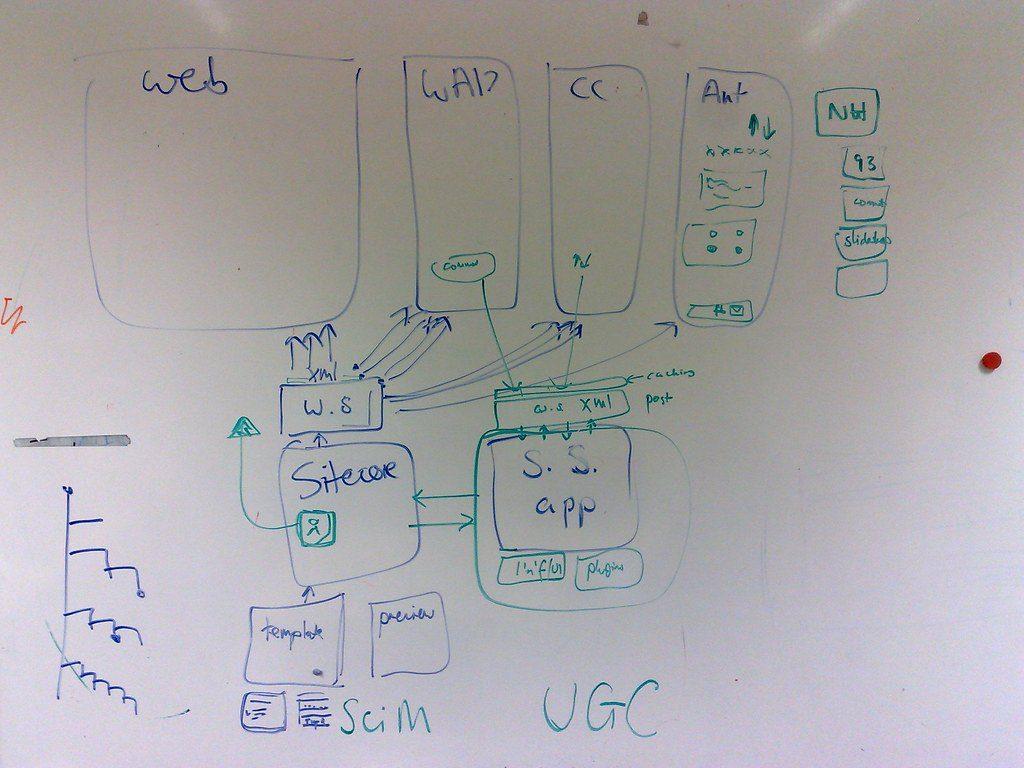
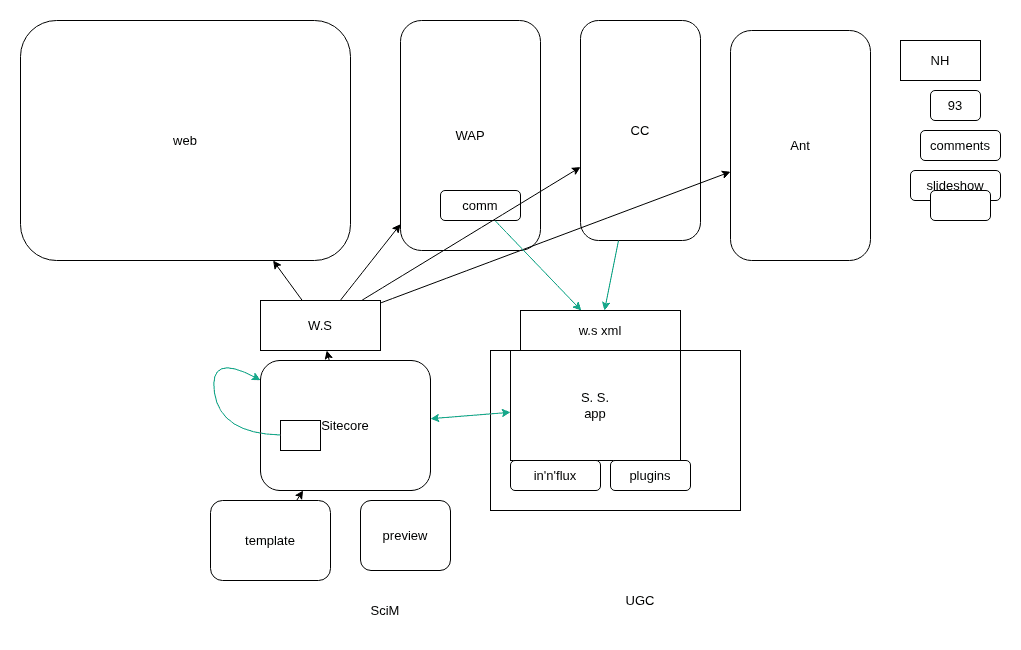


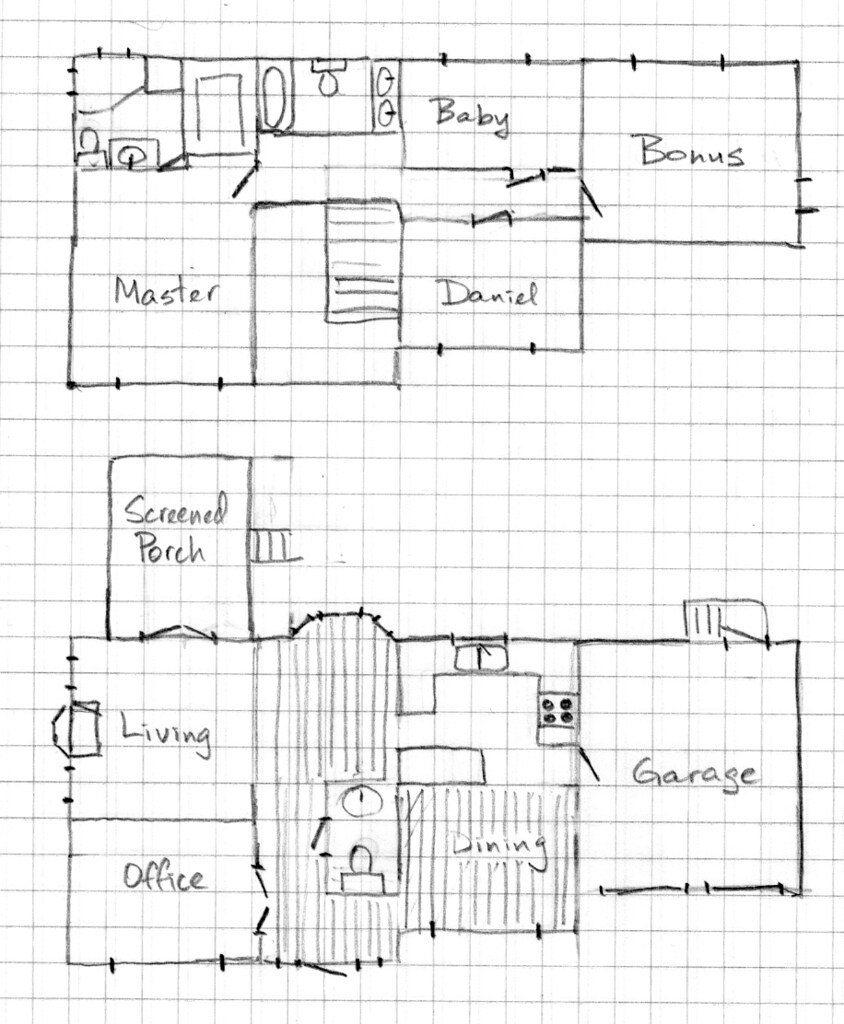
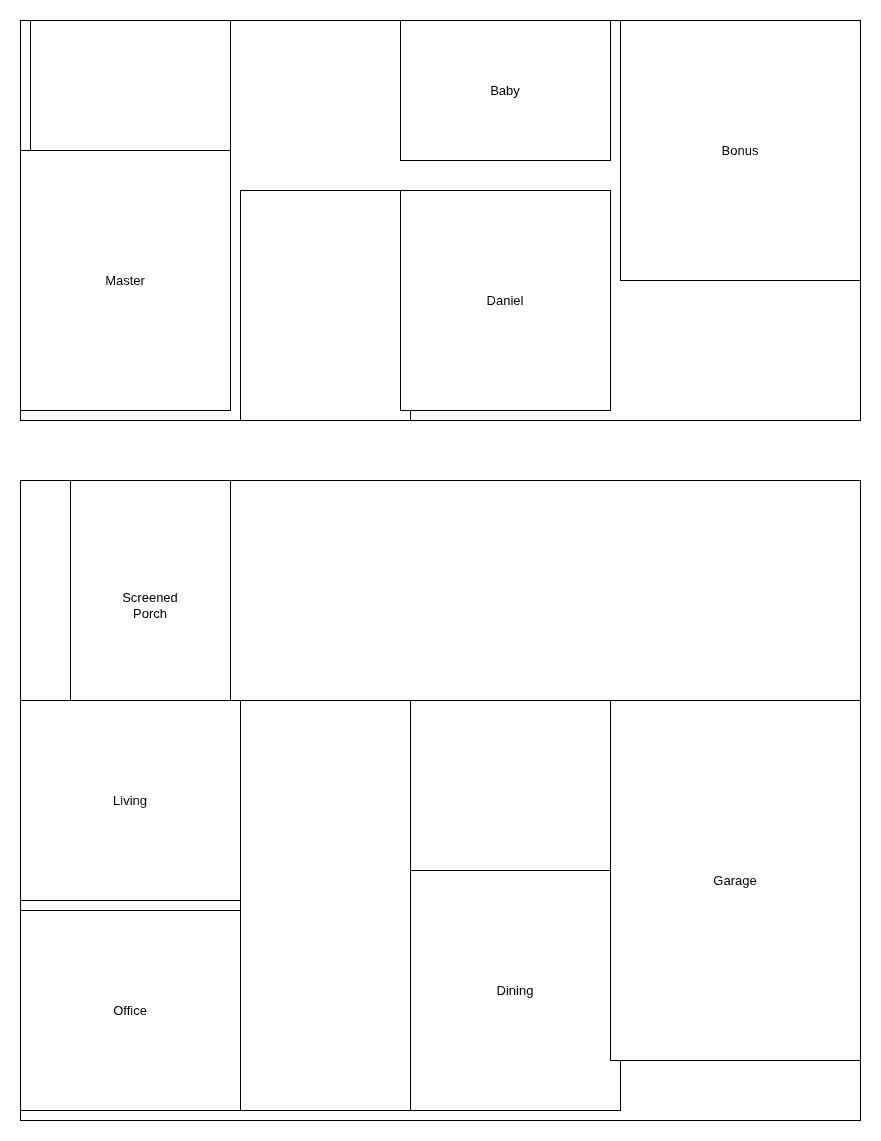
Boxes, arrows, symbols and labels come out as separate elements, not one flattened image.
Each element is placed where it is in the image, so the diagram looks like the original, only clean.
Fix anything in the built-in draw.io editor and change the style, from clean and colorful to hand-drawn.
Download a .drawio file, PNG or SVG, or open the diagram in diagrams.net with one click.
What it converts
From paper to editable in a minute
- 1Snap or upload
Take a photo with your phone, upload an image, or paste a screenshot. Rotate it if needed.
- 2AI redraws it
In 10–60 seconds every box, symbol, line and label is placed where you drew it.
- 3Edit and export
Fix anything in the built-in diagram editor, then download PNG, SVG or a .drawio file.

Pricing
Pay per diagram, or go Pro
One diagram uses one credit. If a conversion fails, or the image is not a diagram, the credit is returned.
- 10 diagrams, never expire
- All diagram types, incl. wiring
- Editor and PNG, SVG, .drawio export
- 60 diagrams every month
- All diagram types, incl. wiring
- Editor and PNG, SVG, .drawio export
- Cancel anytime
- 50 diagrams, never expire
- All diagram types, incl. wiring
- Editor and PNG, SVG, .drawio export
Need more, a team plan or API access? Email us.
Questions
Is the result a picture or real draw.io shapes?
Real shapes. Each box, symbol, arrow and label is its own draw.io element, so you can move, restyle or delete it like anything you drew in draw.io yourself.
Which images work?
Phone photos of paper, notebooks and whiteboards, screenshots, and image files you upload. You can rotate the image before converting.
Can I open the result in the draw.io desktop app?
Yes. Download the .drawio file and open it in draw.io or diagrams.net, or use the Open in diagrams.net button in the editor.
How long does a conversion take?
Usually 10 to 60 seconds, depending on how much is on the page. You can take the photo on your phone and finish on any device.
What does it cost?
One diagram uses one credit. The Starter pack is $6.99 for 10 diagrams and never expires; Pro is $11.99 a month for 60 diagrams. If a conversion fails, or the image is not a diagram, the credit is returned.