
Turn hand-drawn diagrams into editable digital ones
Snap a photo of a flowchart, wiring diagram, floor plan or whiteboard. Sketch2scheme redraws it with your layout and your labels, ready to edit in a full diagram editor and download as PNG, SVG or draw.io.
Works on your phone · Failed conversions don't use credits


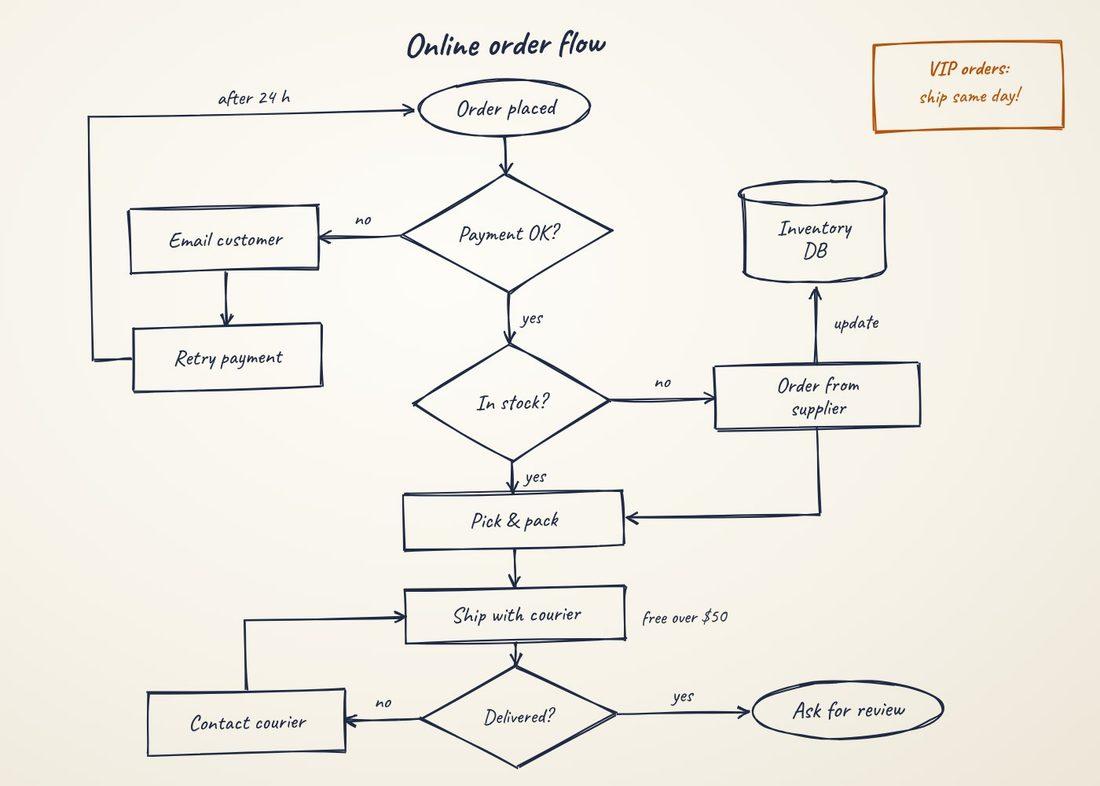
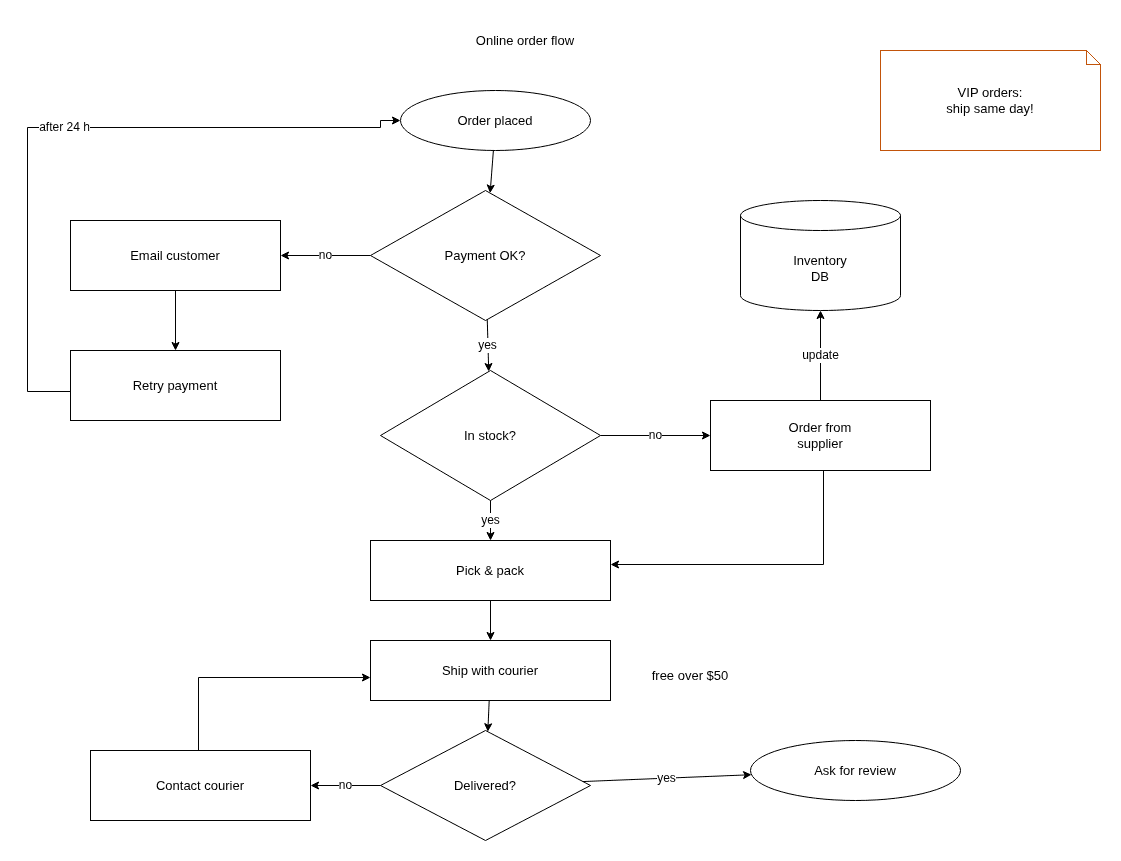
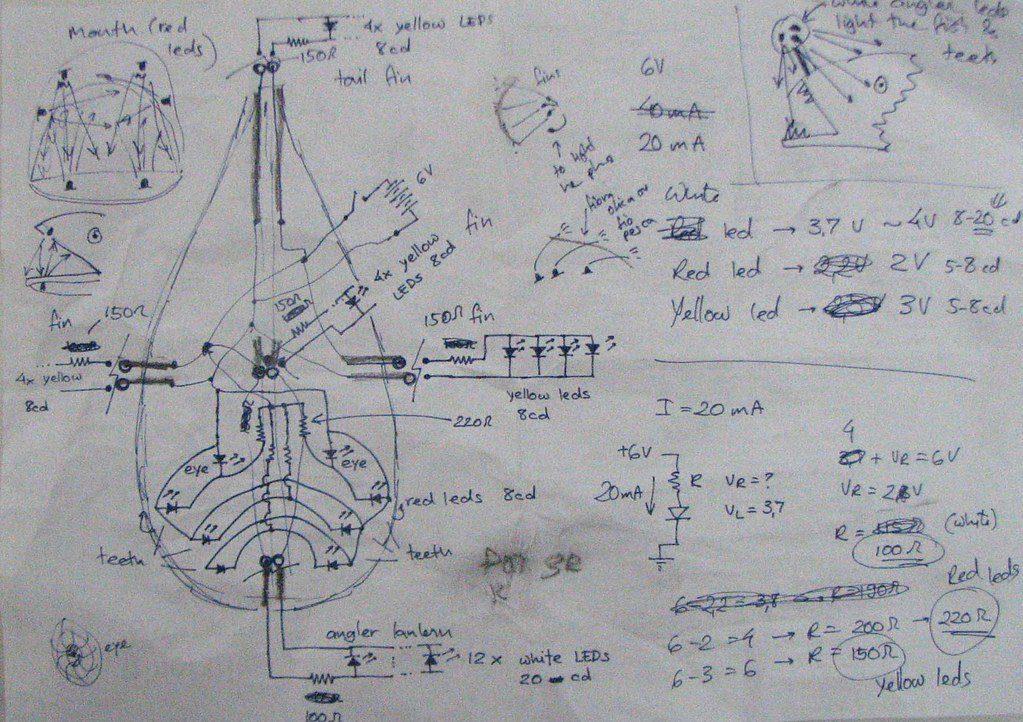
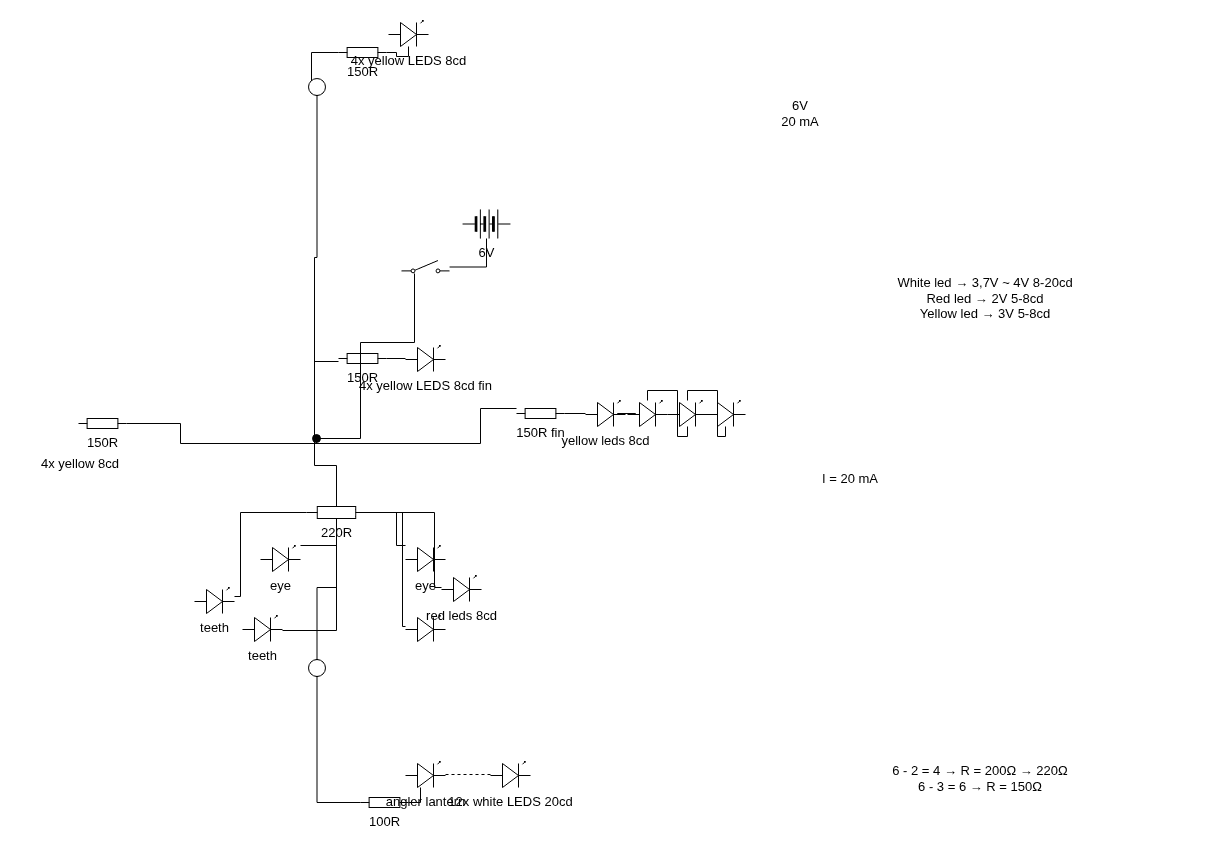
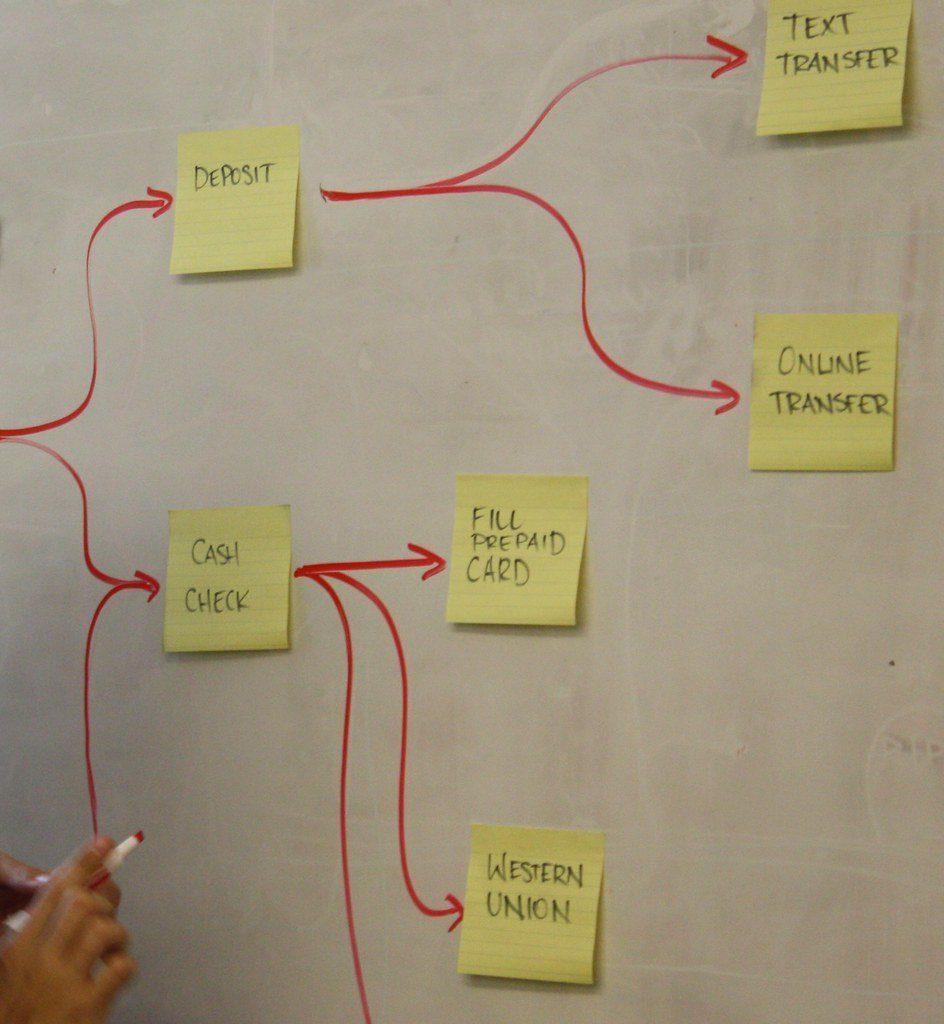
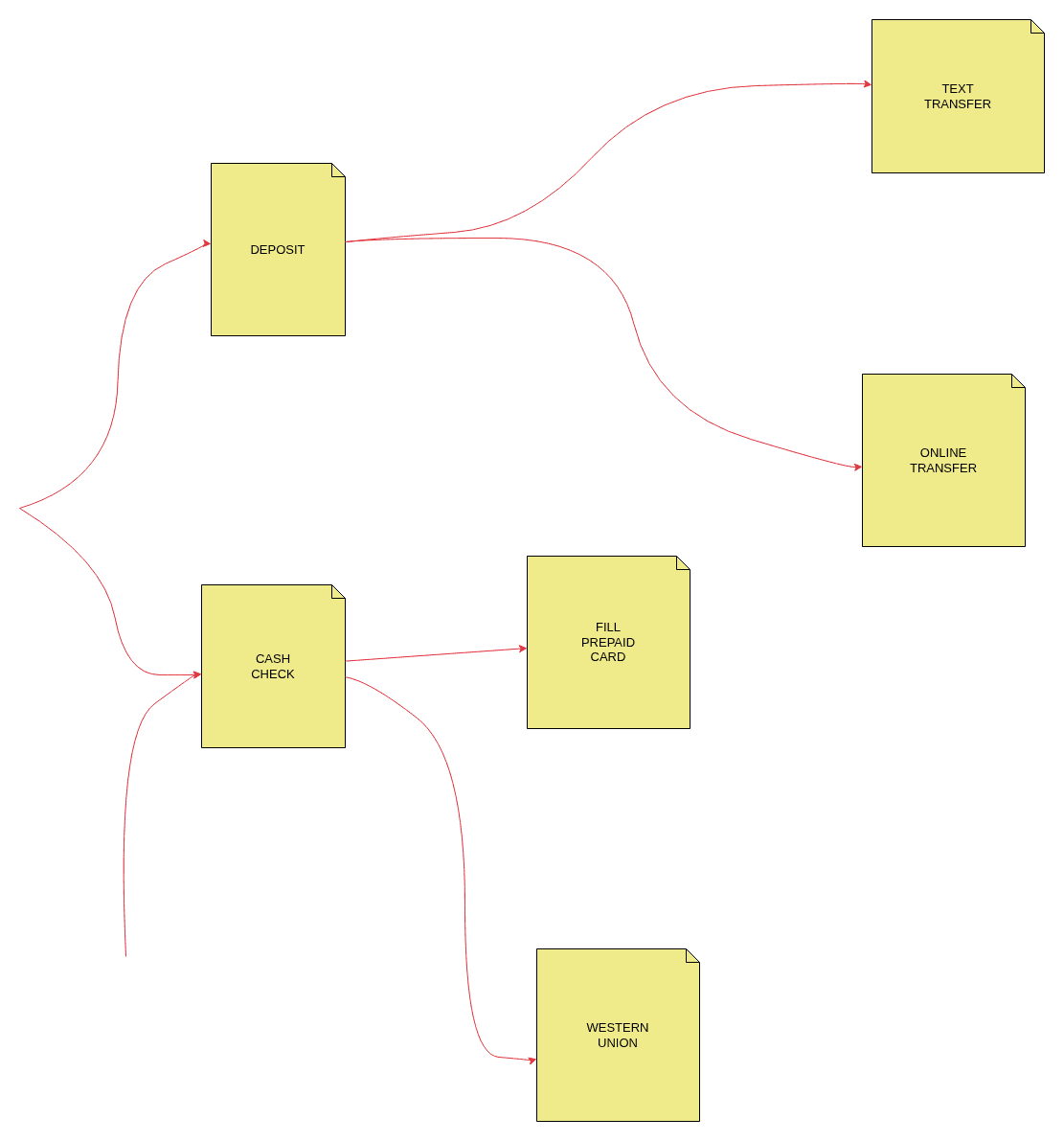
Works with the diagrams you actually draw
Whiteboards, notepads, sticky notes and graph paper. The result keeps your layout instead of re-arranging it, so it looks like your sketch, only clean and editable.


Real results, unedited. Most are openly licensed photos found online (credited under each example); a few were drawn for this page.
Wiring diagrams and circuits, drawn properly
Boats, vans and RVs, home and garden circuits, control panels, electronics on graph paper. Photograph the sketch and get a clean schematic you can file, share with your electrician or keep editing.


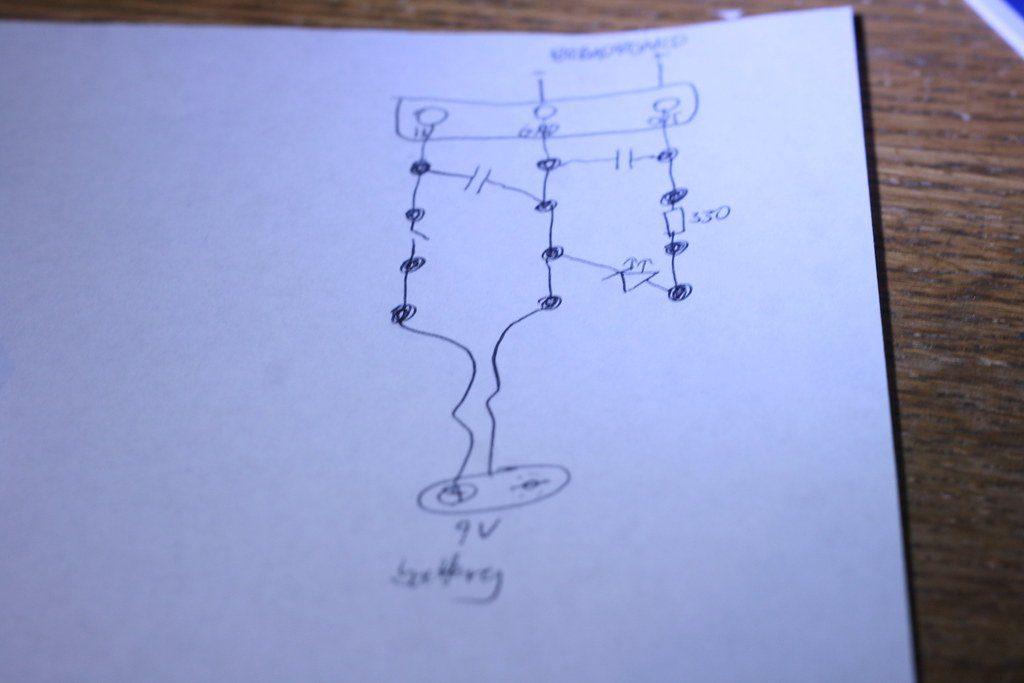
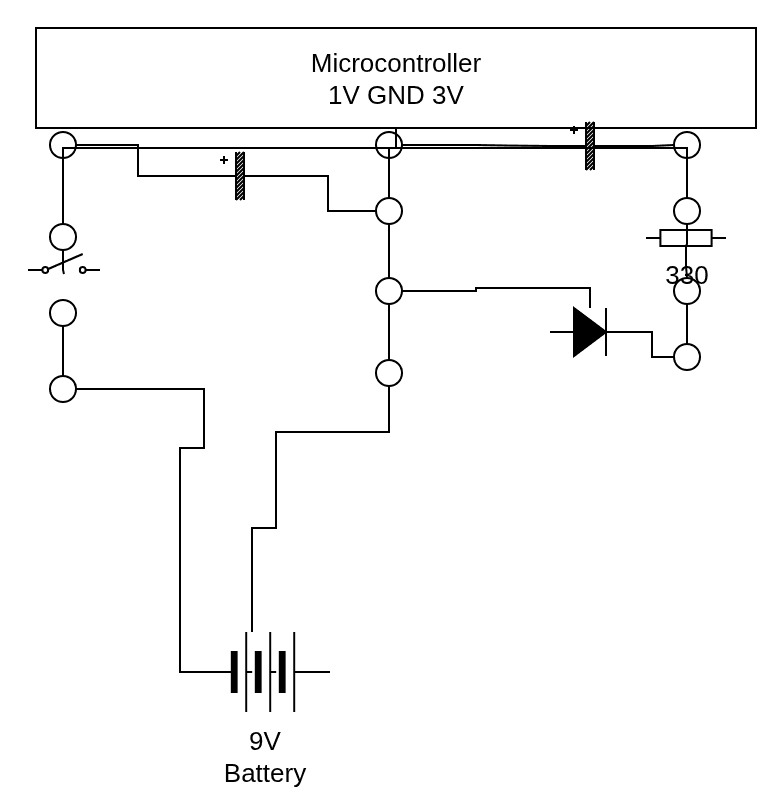
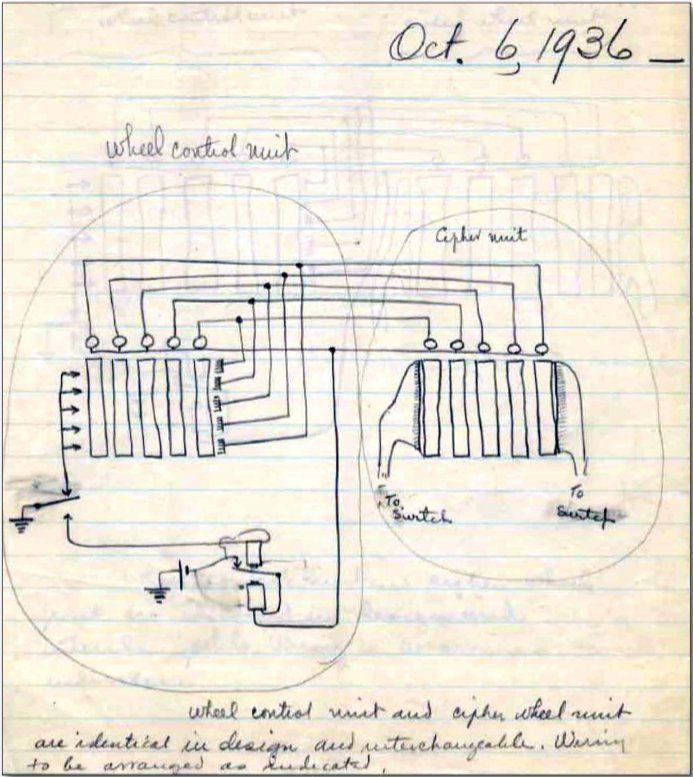
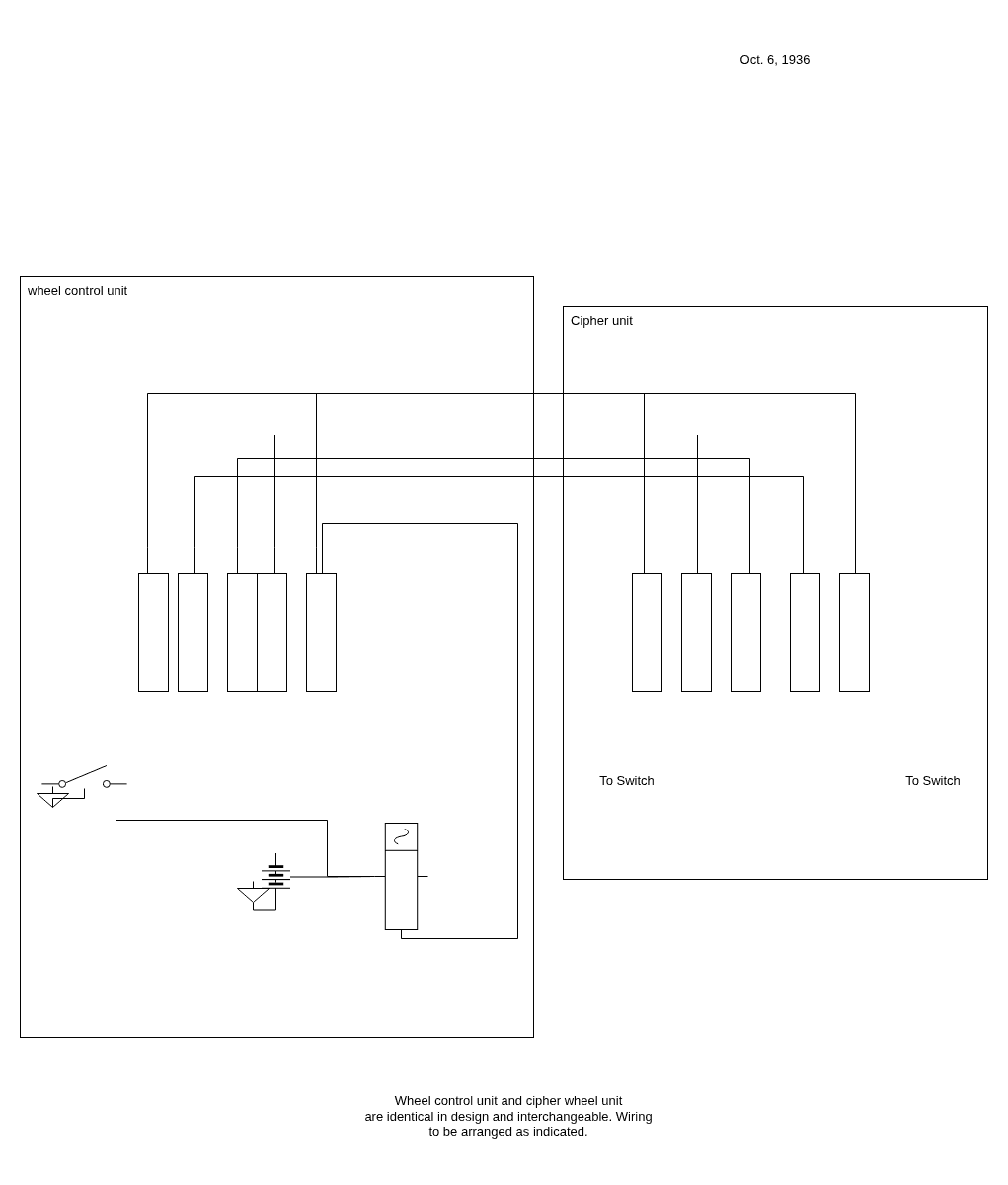
Components are drawn with draw.io’s electrical library, so a fuse looks like a fuse.
Ratings, voltages and wire sizes (10A, 24V, 6mm²) are kept next to the right parts.
Wires run at right angles, with junction dots where they join.
Add or move parts in the editor and export PNG, SVG or a .drawio file for your records.
Always check the result against your sketch before you wire anything: AI can misread a connection, and the diagram is a drawing aid, not an electrical design.
From paper to editable in a minute
- 1Snap or upload
Take a photo with your phone, upload an image, or paste a screenshot. Rotate it if needed.
- 2AI redraws it
In 10–60 seconds every box, symbol, line and label is placed where you drew it.
- 3Edit and export
Fix anything in the built-in diagram editor, then download PNG, SVG or a .drawio file.

What you get
Working on a diagram the usual way
- Redrawing the whole diagram from scratch in a tool
- Entering all labels and annotations manually
- Hunting for the right electrical symbols one by one
Saving time with Sketch2Scheme
- Photo in, editable diagram out in about a minute
- Shapes, symbols, connections and every label recognized
- Your layout kept, neatly aligned
- Download PNG, SVG or .drawio; PDF and Visio via diagrams.net
- A full diagram editor built in
- Failed conversions don’t use credits
Pricing
Pay per diagram, or go Pro
One diagram uses one credit. If a conversion fails, or the image is not a diagram, the credit is returned.
- 10 diagrams, never expire
- All diagram types, incl. wiring
- Editor and PNG, SVG, .drawio export
- 60 diagrams every month
- All diagram types, incl. wiring
- Editor and PNG, SVG, .drawio export
- Cancel anytime
- 50 diagrams, never expire
- All diagram types, incl. wiring
- Editor and PNG, SVG, .drawio export
Need more, a team plan or API access? Email us.
FAQ
Frequently Asked Questions
Flowcharts and process maps, wiring diagrams and circuits, floor plans and room layouts, org charts and family trees, mind maps, software and network architecture, sequence diagrams and Venn diagrams. Paper, whiteboards, notebooks and tablets all work. Plain pictures, forms and text without structure are not diagrams; you are told so and no credit is used.
Yes. Batteries, fuses, breakers, switches, relays, motors, lamps, resistors, capacitors, diodes, transistors, transformers, terminals, busbars and grounds are drawn with proper electrical symbols, and values like 10A or 6mm² stay next to their parts. Check the result against your sketch before wiring anything: the AI can misread a connection.
An editable diagram that keeps your layout and labels. Edit it in the built-in editor, then download PNG (still editable in draw.io), SVG or a .drawio file, or open it in diagrams.net to export PDF or Visio or save to Google Drive.
You can fix anything in the editor: move shapes, change text, add connections. If a conversion fails, or the image is not a diagram, the credit goes back to your account automatically.
One credit converts one sketch or one text description. Packs never expire. Pro gives you 60 diagrams every month; they are used before pack credits and reset each month (unused ones don't roll over). Cancel Pro anytime and keep it until the end of the paid period.
Yes. Take the photo straight from the app, convert it and download the result. The editor works on phones too, though a bigger screen is more comfortable for detailed edits.
They are all still in your history. Diagrams made with the previous engine can be converted again with one click to get the new editable version.
Yes. Delete any diagram from your history, or delete your account in Account settings to remove your diagrams and uploaded images.
Yes, within 7 days of your purchase. Email hi@sketch2scheme.com.

Stay Up to Date
Subscribe to get notified about new features, updates, and more!