Sketch2scheme 2.0: editable diagrams and a new app
Results now open in a full diagram editor, keep the layout of your sketch, work for wiring diagrams, and the whole app is made for phones.
Posted by
 Denis
Related reading
Every kind of diagram, drawn the way you drew it
Flowcharts, floor plans, org charts, mind maps and architecture diagrams now keep their layout, labels and shapes when converted.
Sketch2scheme has been rebuilt. You still take a photo of a sketch and get a digital diagram, but almost everything around that moment has changed: how the diagram is made, what you can do with it, and how the app feels on a phone. Here is what is new.
Your diagram keeps your layout
The previous version turned every sketch into Mermaid code, which then laid the diagram out by itself. That was fine for simple flowcharts, but a floor plan became a list, a quadrant became an org chart, and complex sketches sometimes did not render at all. The new engine places every box, symbol, line and label where you drew it, so the result looks like your sketch, only clean. More on that in Every kind of diagram, drawn the way you drew it.
It opens in a real diagram editor

The result opens straight in a full draw.io editor, with your sketch alongside so you can check it. Move shapes, fix a label, add a missing connection, then press Save. No more copying code from one tab to another.
Download it the way you need it
- PNG, which still contains the diagram, so you can open it in draw.io and keep editing later
- SVG for documents and slides, sharp at any size
- .drawio for draw.io, the Confluence app or the VS Code extension
- Open in diagrams.net with one click, to export PDF or Visio or save to Google Drive or OneDrive
Wiring diagrams and circuits
Batteries, fuses, switches, relays, motors and lamps are now drawn with proper electrical symbols, with your ratings and wire sizes next to them. This was the most requested feature, and it has its own article.
Made for your phone
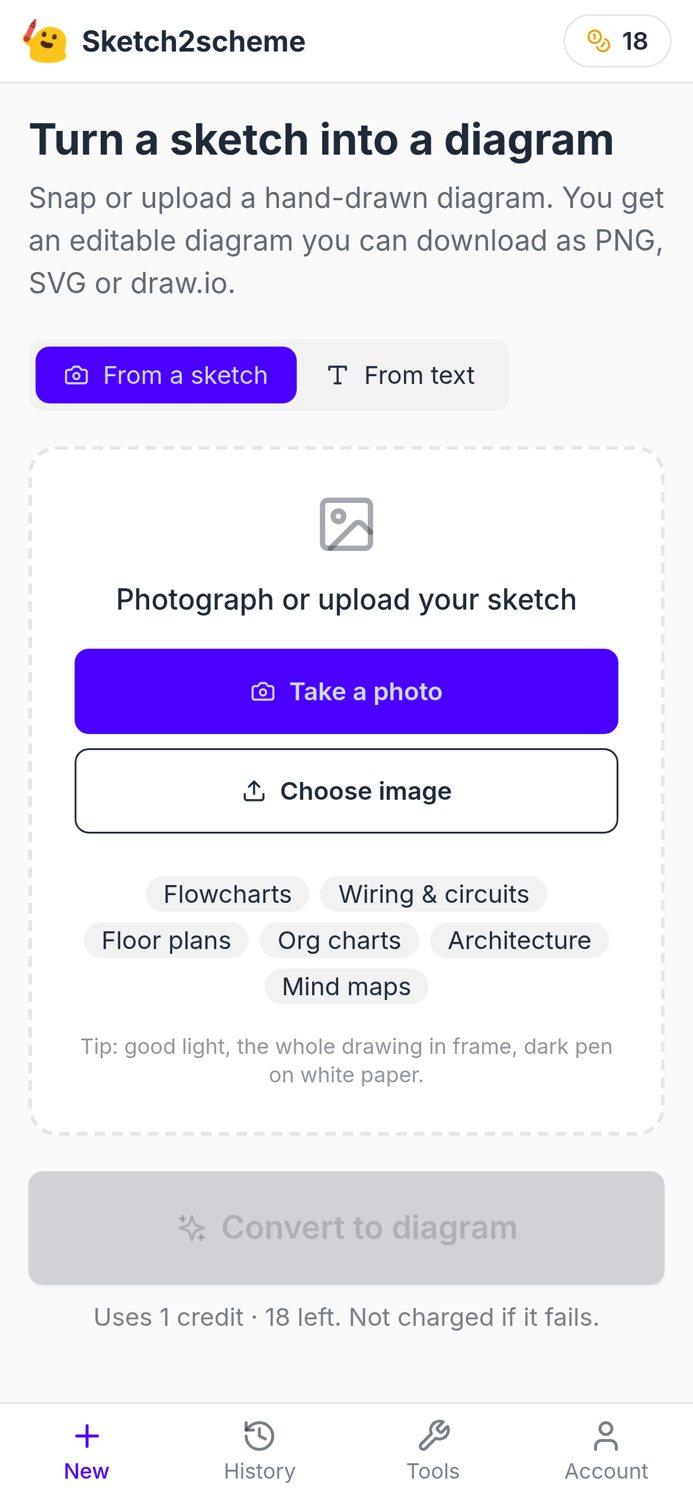
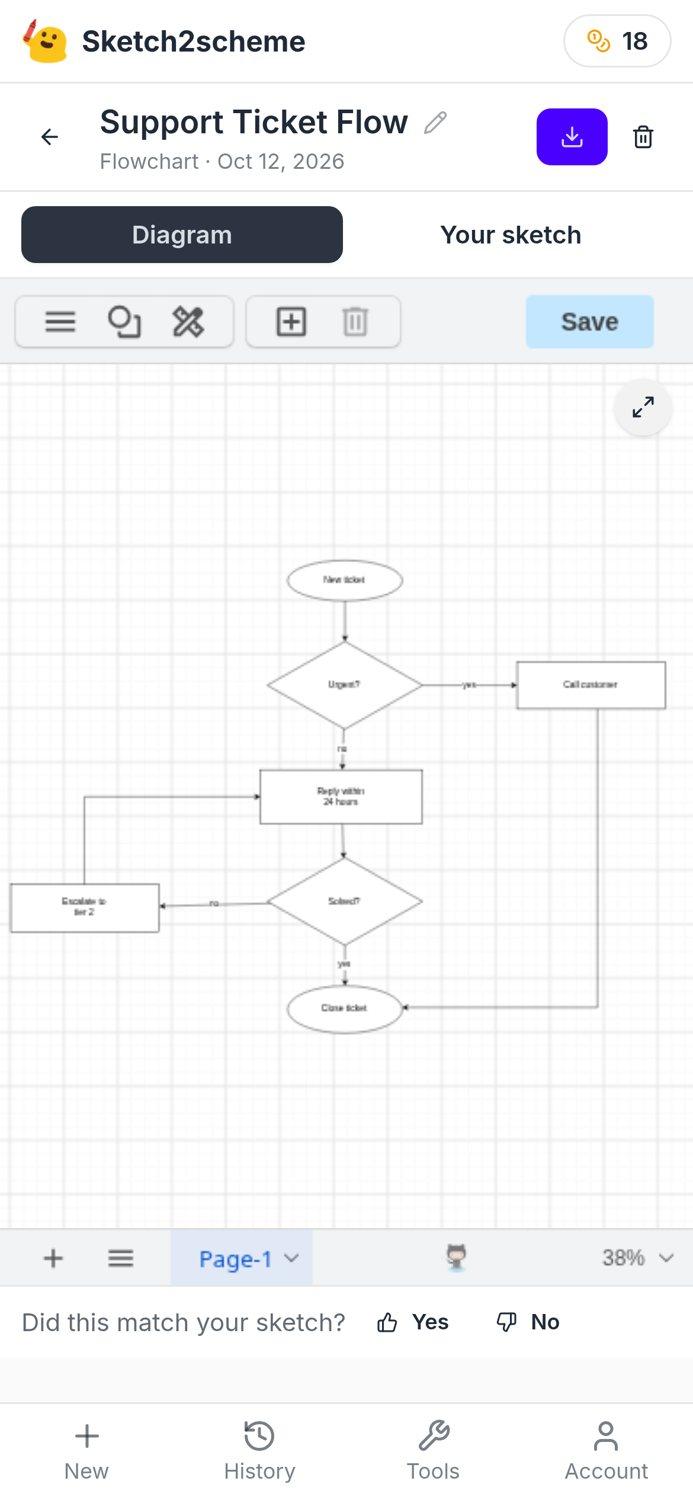
Many sketches start on paper next to you, so the app now works best right there: take the photo from the app, rotate it if needed, convert, and switch between the diagram and your sketch with one tap. On a computer you can drag and drop an image or paste a screenshot.
History you can find things in
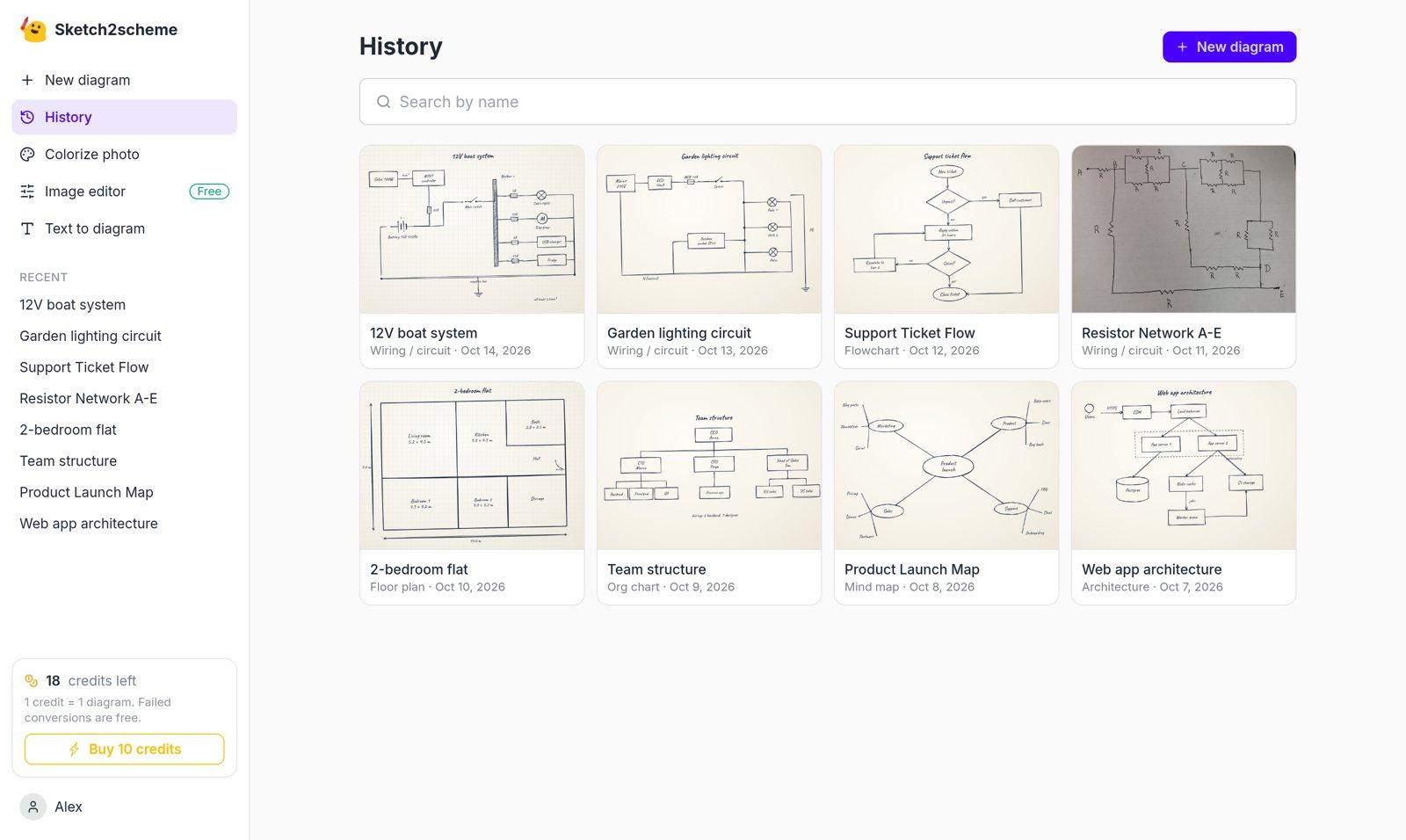
Every diagram is a card with its sketch, name, type and date, with search once you have a few. Diagrams made with the previous engine are all still there, and you can convert any of them again to get the new editable version.
Fairer credits
One credit is one diagram. If a conversion fails, or the image is not a diagram at all, the credit goes back to your account automatically.
Tell us how it does
Under every diagram there is a small "Did this match your sketch?" question. Those answers tell us where recognition still goes wrong, so please use it, and write to hi@sketch2scheme.com with anything else.